
-
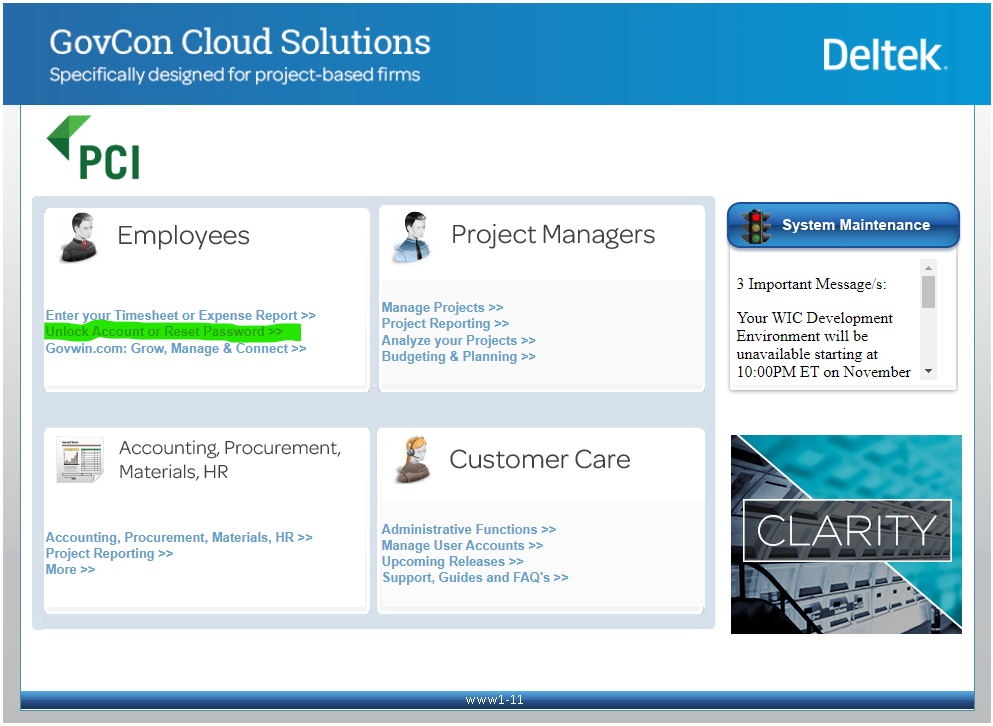
From the Portal Select Unlock Account or Reset Password from the Employees Quad
-
Click on Reset
-
Enter username and follow prompts
-
Answer security questions
-
Provide a new password
Passwords must be 8 characters and contain at least 1 capitalized letter, number, and special symbol