This article contains steps on how to add another's email address to Support Cases submitted to Deltek
Deltek Support Center:
Accessing Support:
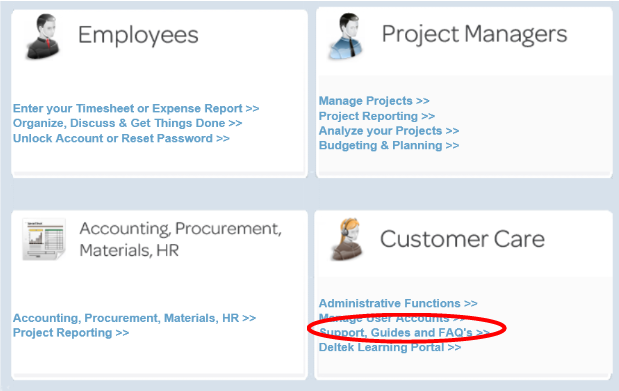
1. Access the support center via your Deltek Portal
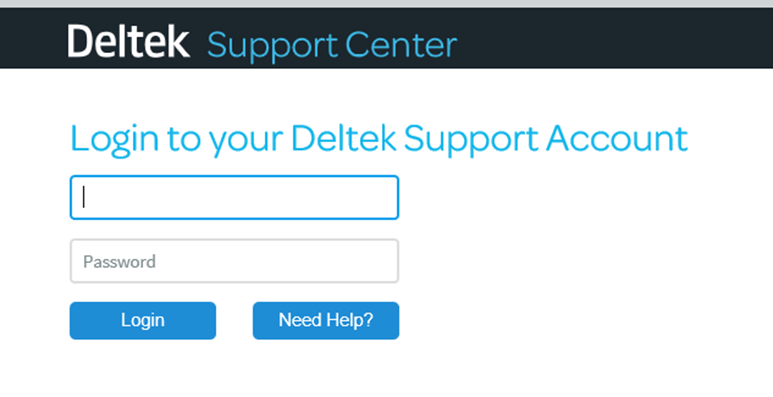
2. Enter your Username and Password in the Client Login box. Note: Username is your email address and is in all lower case.
Service Requests create cases with support, but from the Service Request screen you are unable to add in a cc-line.
1. After you submit a service request you will receive a notification that the request was submitted, along with a case number and a link to the Manage Cases screen in support. Please click that link and then on the respective case.

2. In the case itself complete the following:
A: CC: Enter in an email on the cc-line. If adding more than one email, separate out by using ; in between email addresses
B: Add additional information to your case: Enter in “Adding POC”. This field is required when updating a case.
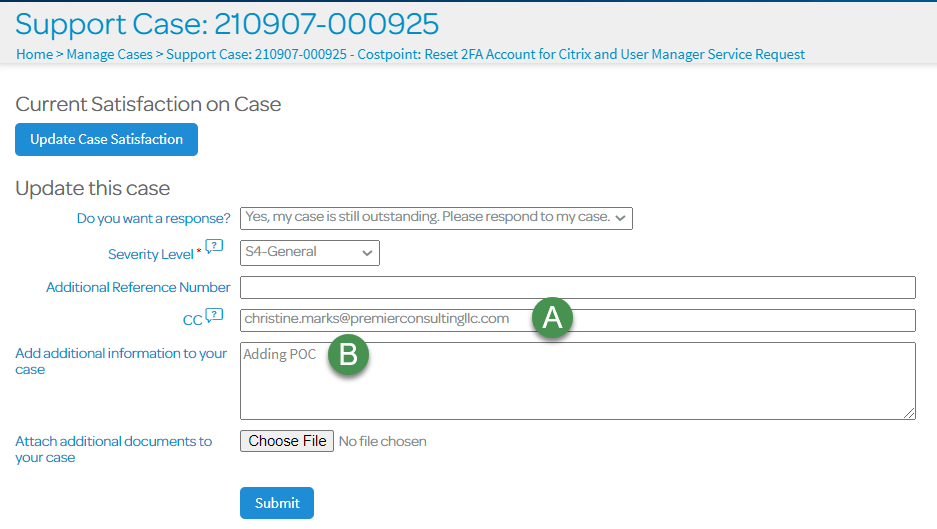
3. Select Submit. This will update the case to include the emails listed on the cc-line.