This contains steps on how to access Chatting with Deltek Support
Deltek Support Center:
Accessing Support:
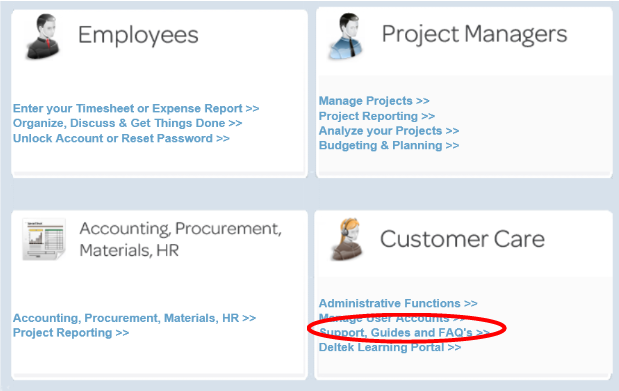
1. Access the support center via your Deltek Portal
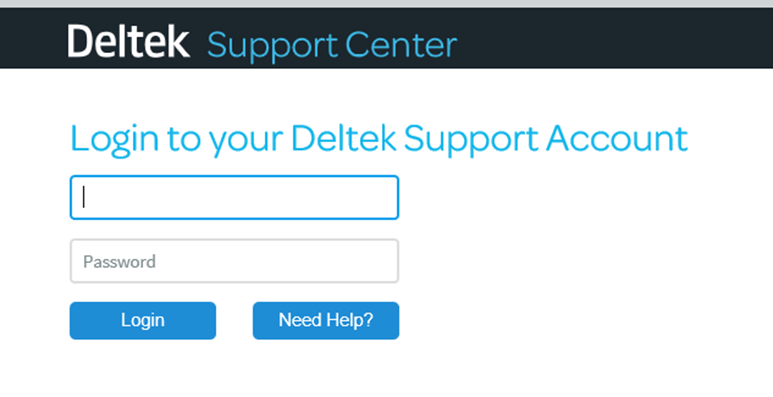
2. Enter your Username and Password in the Client Login box. Note: Username is your email address and is in all lower case.
 Starting a Deltek Chat
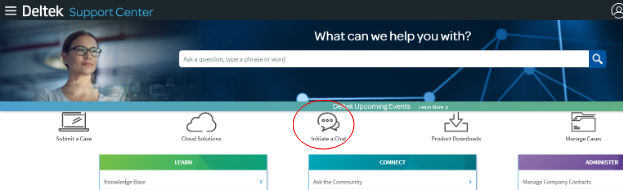
1. Go to Initiate a Chat icon in the middle menu.
A: Chat Topic: Pick a Chat Topic from the drop down. More than likely, the topic will be a CP item such as Costpoint Technical.
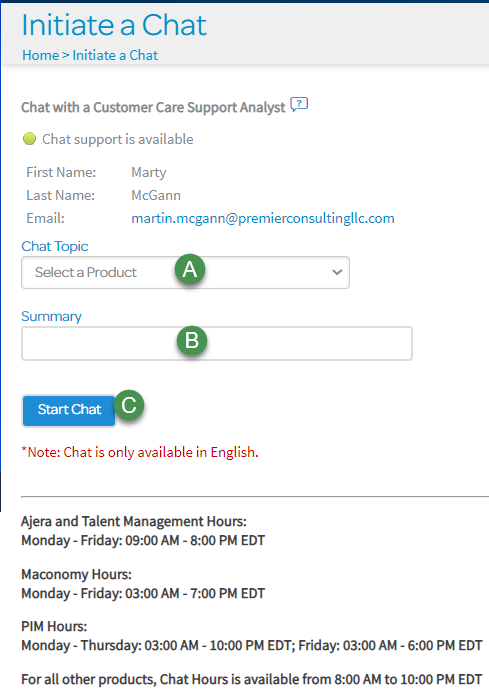
B: Summary: Enter a brief description in the Summary box, like “Unable to post voucher”:
C: Select Start Chat. A chat pop up box will open and a representative will be available to assist.