This article provides steps for determining how many Time & Expense Licenses are provided, used, and available. Time & Expense Licenses are used for Contractors not W2 Employees. This article also provides steps for removing Inactive users' access.
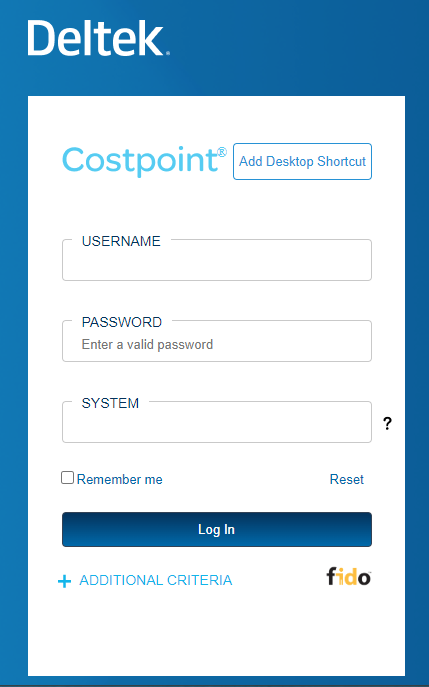
- Login into Costpoint
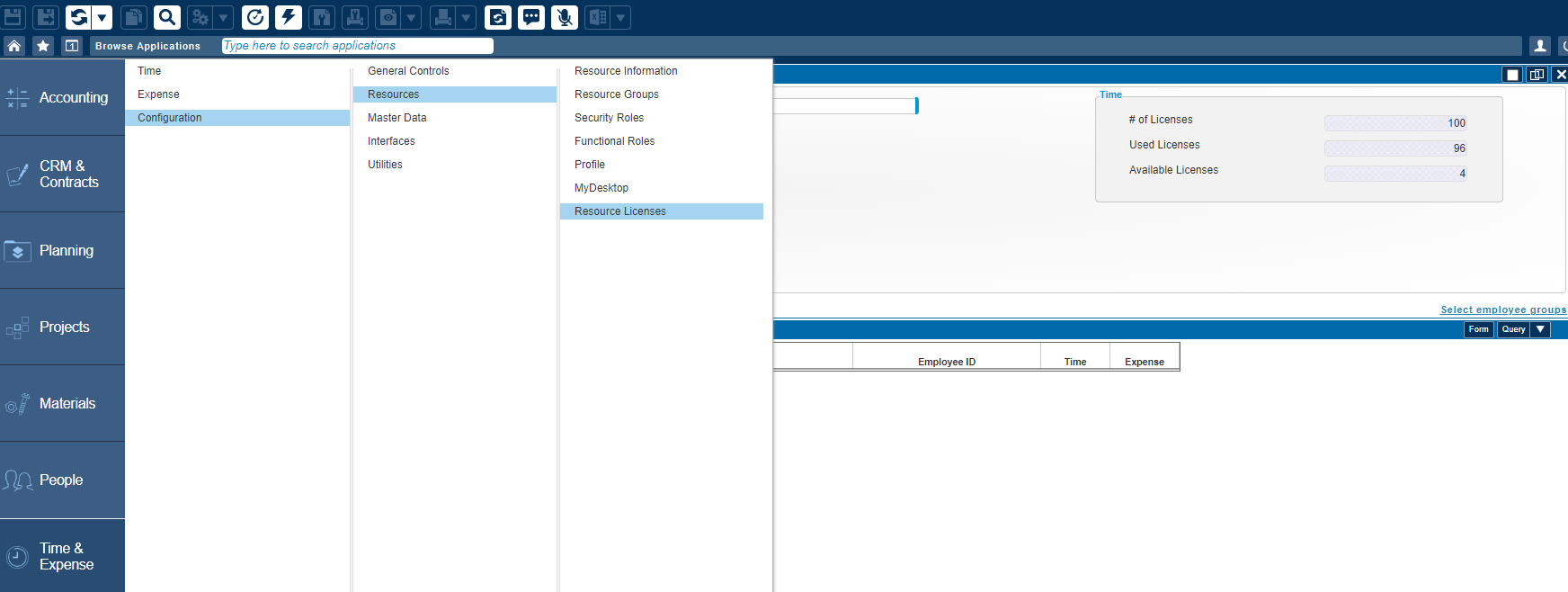
- Click on Browse Applications > Time & Expense > Configuration > Resources > Resource Licenses
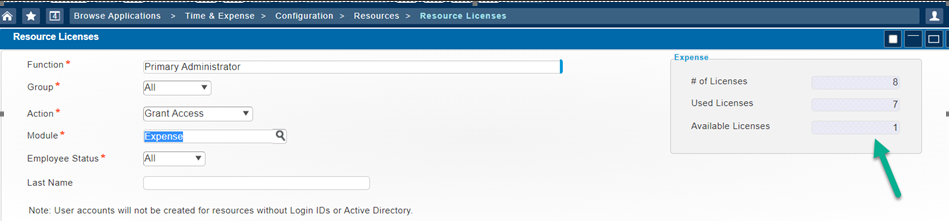
- The screen will display # of Licenses, Used License, and Available License
If you wish to clean up Inactive Licenses follow these steps:
- Change employee status to InActive and click on Query
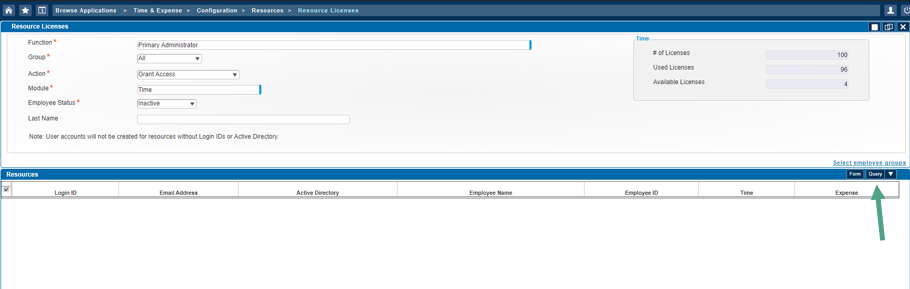
- Once the list is verified you can then change the Action to Remove Access
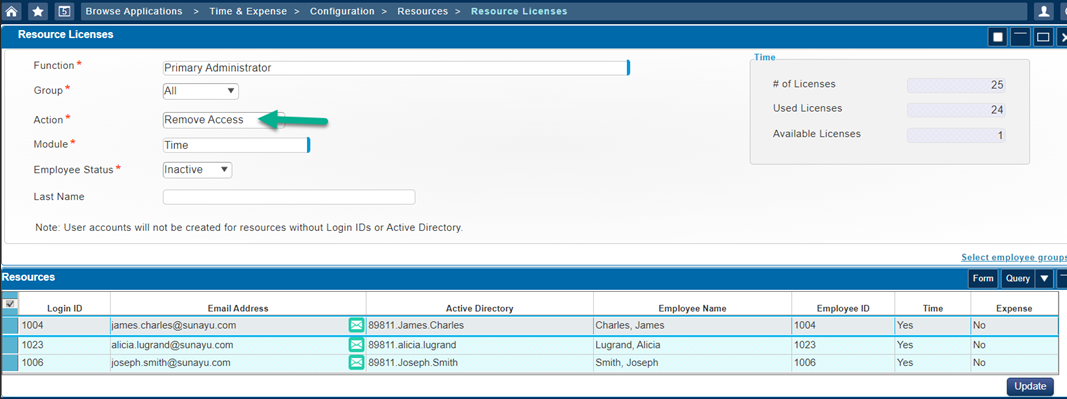
- Click on Update
If the customer needs more licenses, direct them to Cathy Locke (cathy.locke@premierconsultingllc.com)